
Small and Medium Enterprises (SMEs)
-
Guide Buyers to SMEs
Guide Buyers to SMEs
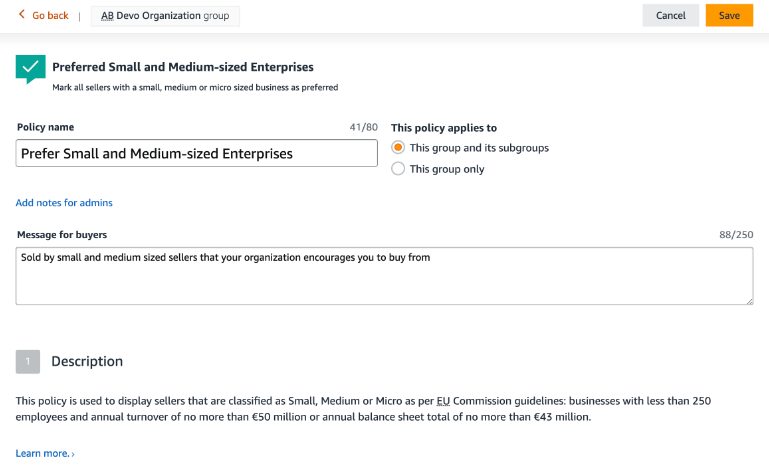
Implement organisation-wide or departmental buying policies to highlight and prefer SMEs*. Administrators can personalise a message for buyers explaining the policy, and set a price tolerance threshold for SME purchases.
-
Reduce time searching for SMEs
Reduce time searching for SMEs
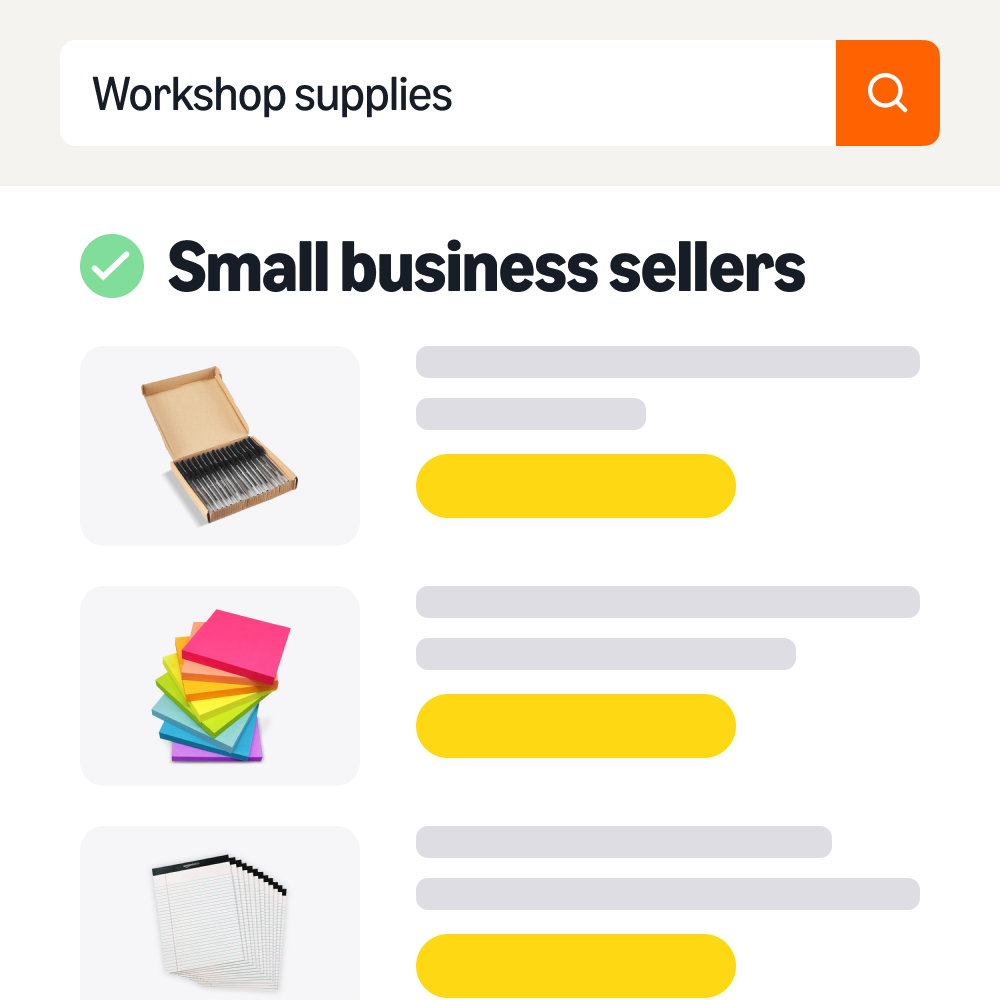
Highlight offers from SMEs within the buyer’s shopping experience based on criteria set by account administrator. Buyers can select offers from SMEs alongside other purchases all in one place.
-
Simplify reporting on goals
Simplify reporting on goals
Track spend with SMEs and simplify reporting on corporate or team goals. Use Amazon Business Analytics to create exportable reports of orders, or speak to your customer advisors for detailed reports.
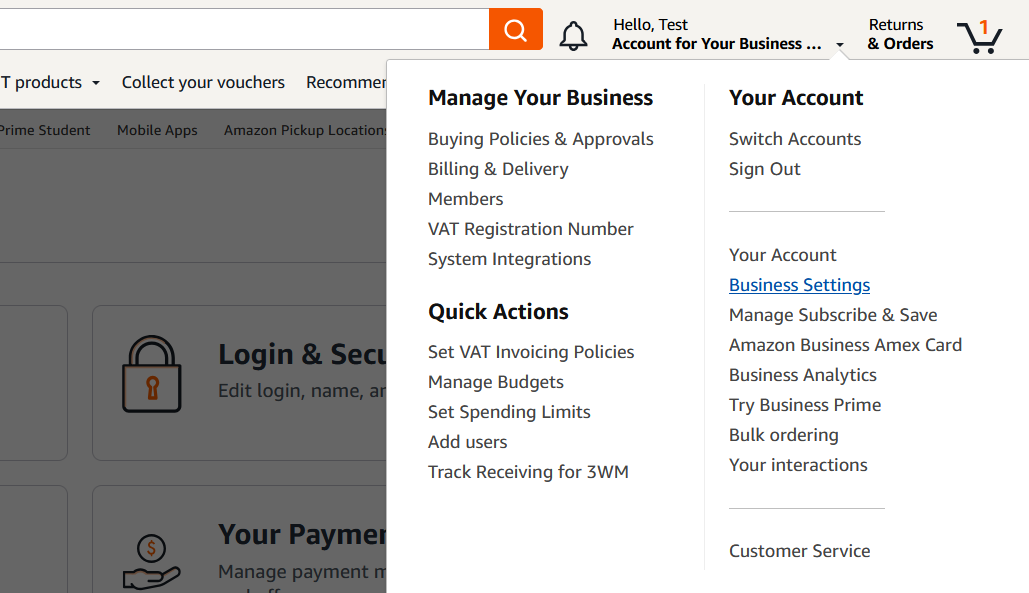
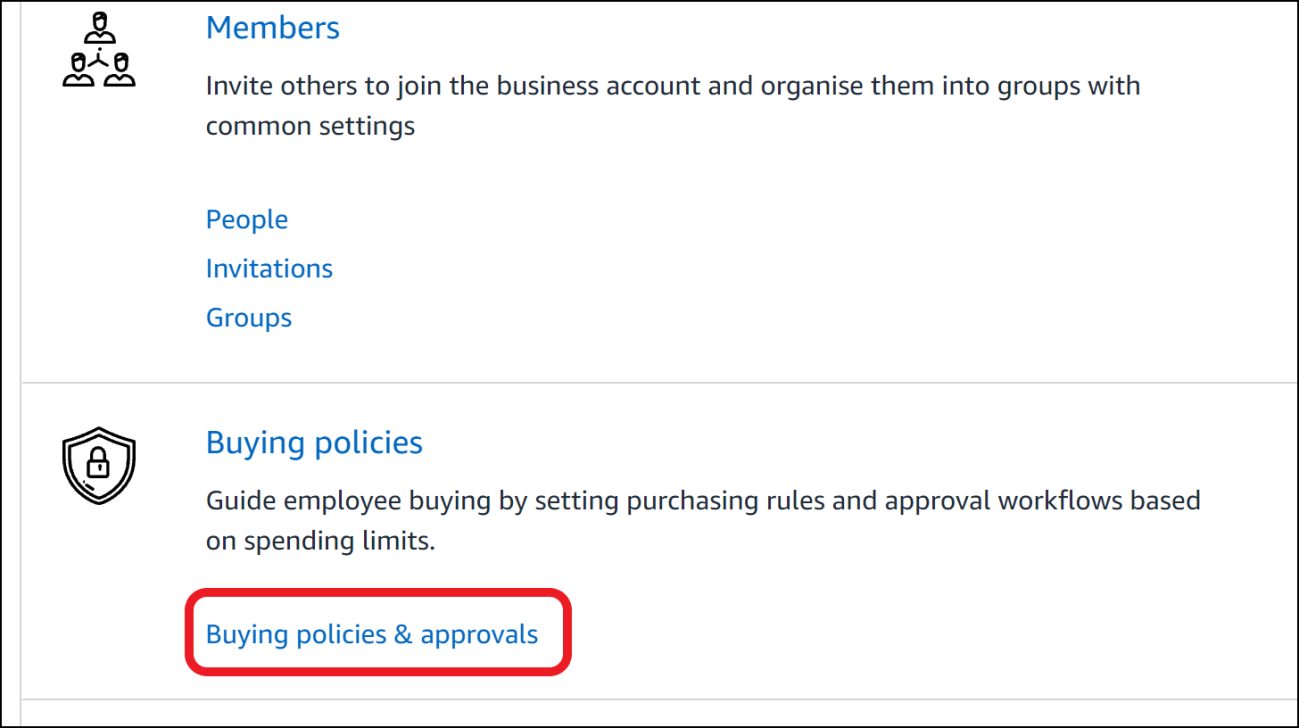
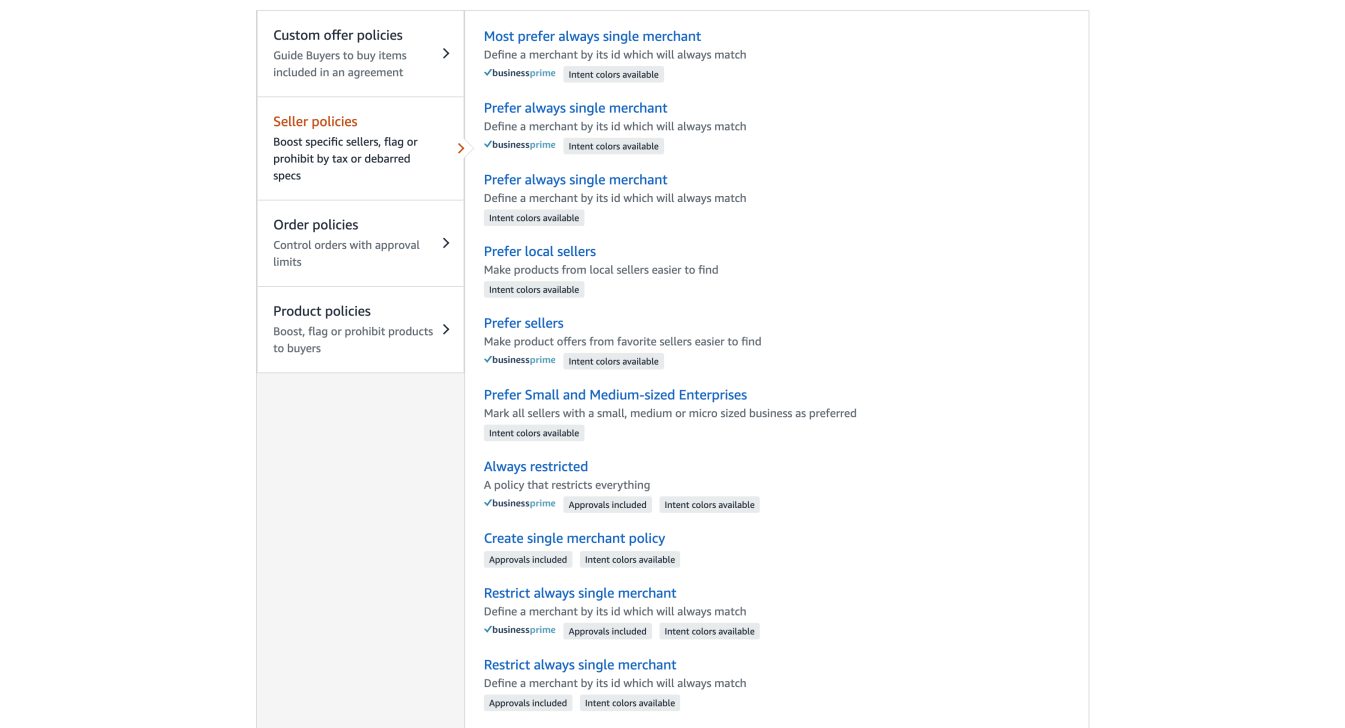
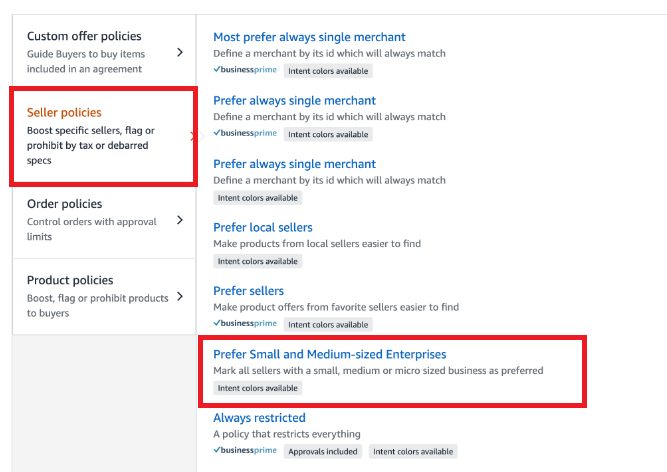
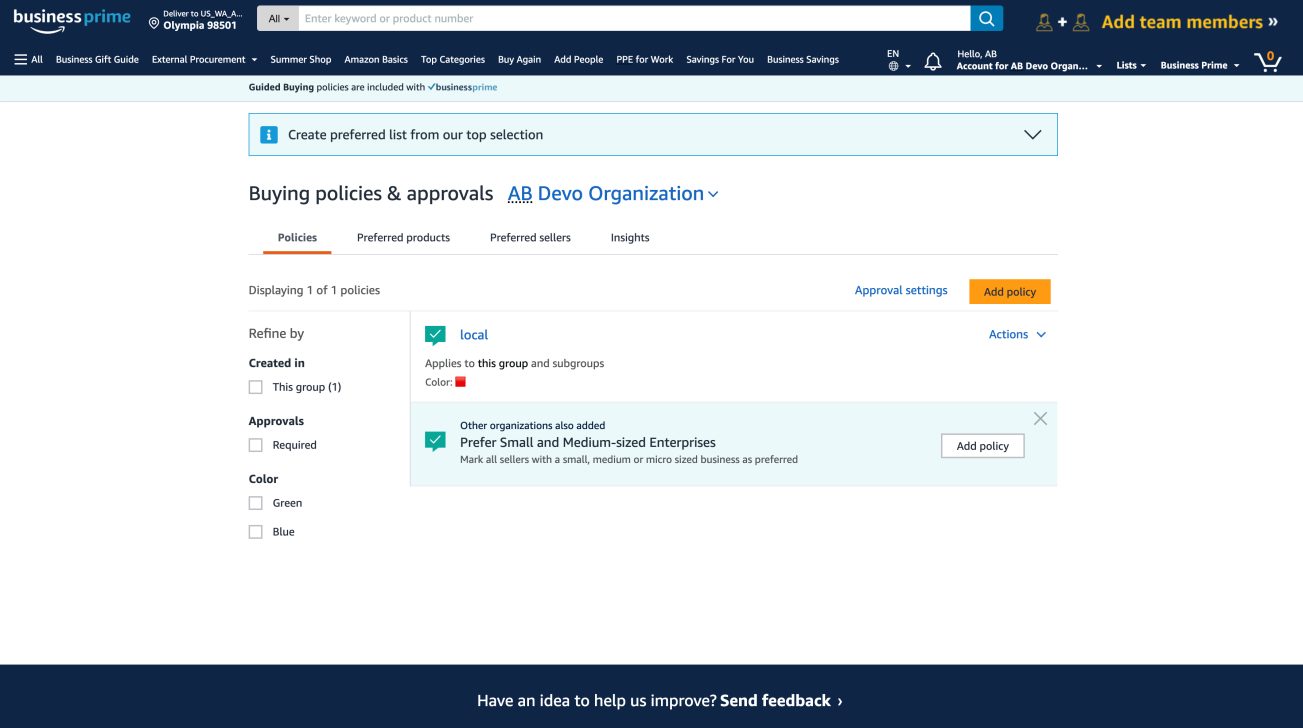
Creating a “Prefer Small and Medium Enterprises” policy
Resources
Blog
Prioritising local sellers
Learn how Nottingham Trent University leverages Amazon Business to enhance its sustainable procurement initiatives.

Get Started with SMEs




- Change Country
- United States
- India
- United Kingdom
- France
- Deutschland
- España
- Italia
- Canada
- Japan
- Mexico
- Australia
 United States
 India
India United Kingdom
 France
 Deutschland
 España
 Italia
 Canada
 Japan
Japan Mexico
 Australia


